
Catalyst SCSS
Catalyst brings core UX design principles to web implementations, focusing on scalability, maintainability, and minimalism.
What it solves
Catalyst SCSS came out of practical use. An earlier version, Catalyst CSS (or just Catalyst), bundled the most commonly used utility classes to cover mid-complexity projects like marketing sites. It worked, but it hit a ceiling: real implementations need component-level styling — a card, a slider — not just piling utility classes on every element.
This is a common issue in other utility-first systems like Tailwind, which also has a Catalyst, purely a name coincidence.
Learning from that, Catalyst SCSS doesn't impose class rules or utility-heavy markup. It sticks to a component-first styling philosophy, similar to other methodologies like BEM. In this version, the focus is on system- and rule-driven variables, giving you the lowest-level styling layer while leaving the class structure decisions to you.
So does Catalyst SCSS only provide variables?
No. Catalyst can also generate classes, but not by default. You just enable a selector if you still want utility classes. On top of that, it gives you features that hand-written CSS usually doesn't provide out of the box:
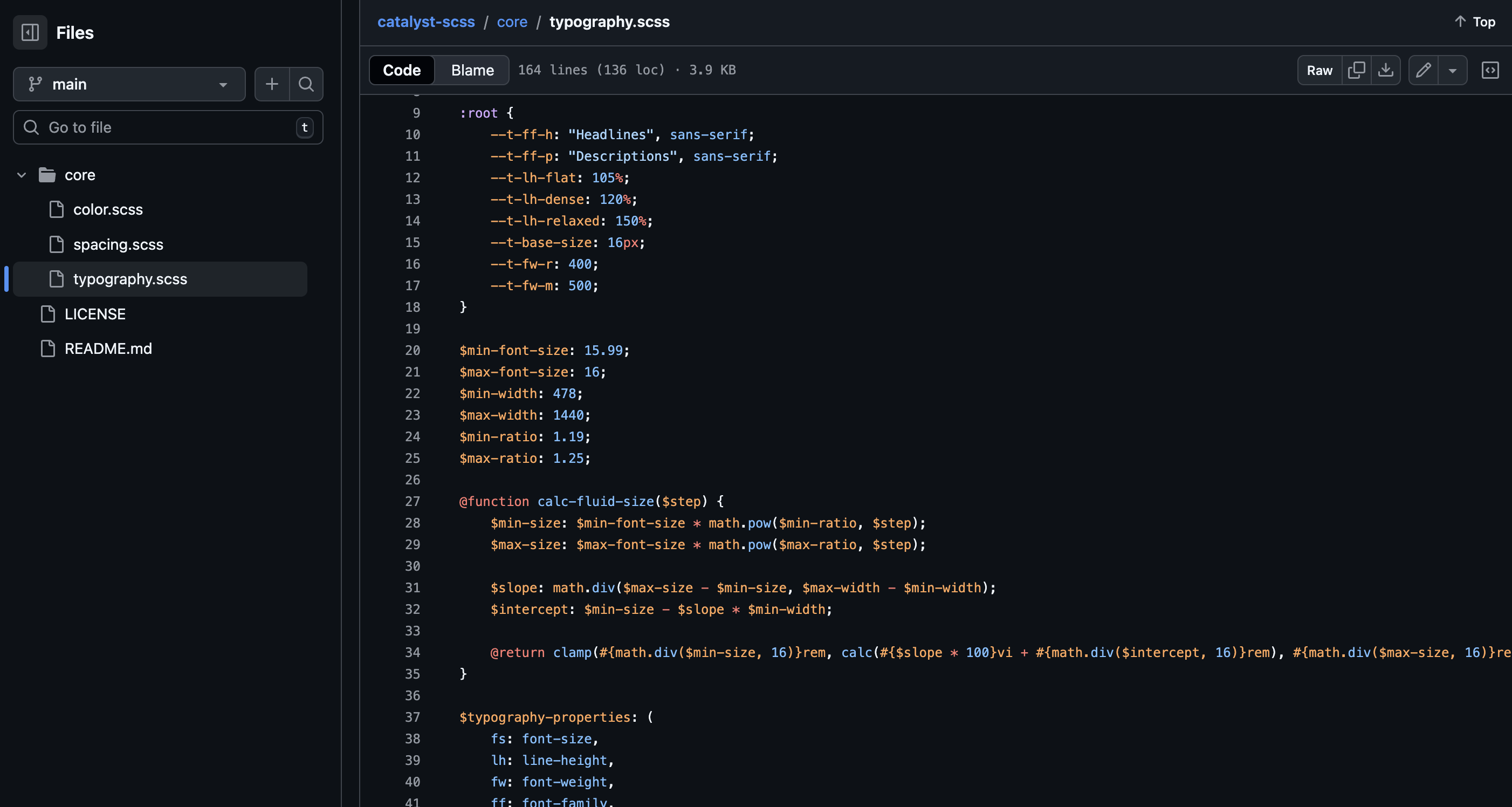
- automatic fluid typography scales using
clamp() - spacing tokens with breakpoint overrides
- color tokens with consistent opacity variants
- predictable, grep-friendly naming
- centralized breakpoints via SCSS maps
- token-driven defaults for base elements
- optional utilities derived from variables, not hardcoded values
- system-wide changes through token edits and recompilation
Disclaimer
Nothing against utility classes if you can architect them and use search & replace like a pro in a powerful IDE. Outside that, they can introduce rigidity in larger projects.