
Attachment Rules
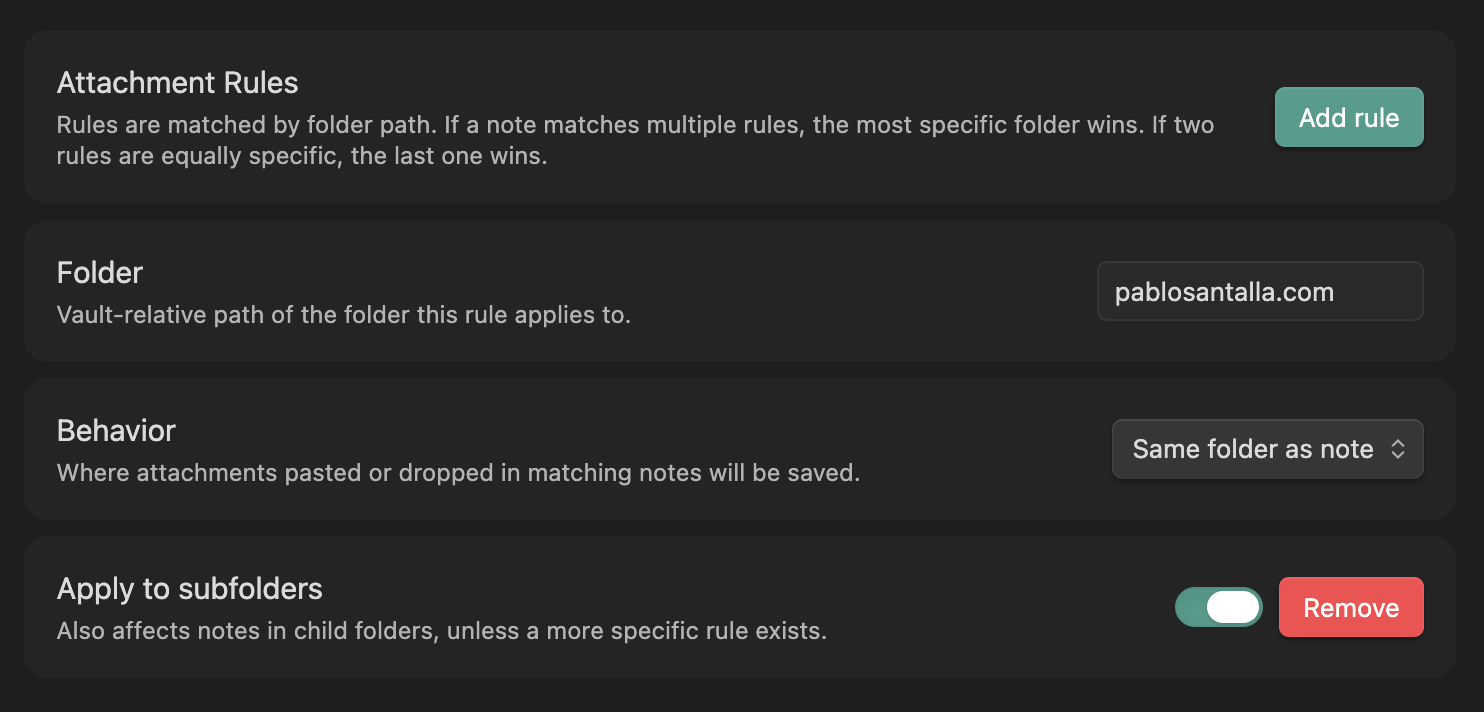
Attachment Rules is an Obsidian plugin built around a simple problem: the global attachment setting doesn't cut it when different parts of your vault need different behavior.
What it solves
Obsidian lets you set one global rule for where attachments go — same folder as the note, a fixed path, or a subfolder. That works until your vault grows and you want Inbox notes to keep attachments next to them, while project notes route everything to a shared assets folder.
Attachment Rules adds a layer on top of that. You define rules per folder, each with its own behavior, and the plugin intercepts Obsidian's attachment handling to apply the right one automatically.
How it works
Each rule ties a vault folder to a behavior — either save the attachment in the same folder as the note, or send it to a custom path. Rules are matched by specificity: if a note sits in Projects/Archive, a rule for Projects/Archive beats one for Projects. If no rule matches, Obsidian's default setting applies untouched.
Enabling Apply to subfolders makes a rule cascade down to child folders, unless a more specific rule exists for them.
Implementation
The plugin patches vault.getAvailablePathForAttachments() at runtime, which is the internal method Obsidian calls when resolving where to save a new attachment. The patch evaluates the active note's path against the configured rules, resolves the correct destination, and falls back to native behavior when nothing matches. On unload, the original method is restored cleanly.